Electric heating pad shown alone with a soft cinematic background, highlighting its texture, shape, and everyday comfort use.

Electric Heating Pads Quietly Becoming a Nighttime Comfort Gadget

Electric heating pads used to belong to a very specific category of household items. They were taken out when someone had back pain, menstrual cramps, or a stiff neck. After the discomfort eased, they went back into a drawer. What has changed in recent years is not the technology alone but the way people are using it. The electric heating pad is quietly moving from a “remedy device” to a nightly comfort ritual. In bedrooms Read more

Premium bedside humidifier releasing soft mist in a modern bedroom at night

People Sleeping in AC Rooms Are Quietly Adding a Bedside Humidifier

If you sleep in an AC every day, you might have noticed that your throat feels slightly dry when you wake up in the morning. Not enough to be a real problem, but enough to make you reach for a glass of water. Lips feel a little tight, and the skin is a bit dull. The room itself can feel strangely flat. It’s not a major issue. Just something you notice when the day begins. Read more

Sunrise alarm clock glowing in a dark bedroom before morning wake-up time

Why Some People Are Quietly Switching to Sunrise Alarm Clocks

Morning alarms are a fixed part of modern life. Yet many people are moving away from traditional phone alarms and trying sunrise alarm clocks instead. The shift doesn’t seem driven by trend alone. For most, it comes down to how the experience feels. The real issue: We’re waking up against our body The human body naturally receives wake-up signals through light. In nature, dawn doesn’t arrive all at once. Brightness builds slowly, and the body Read more

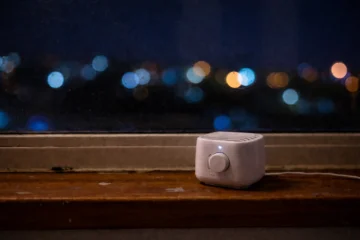
White noise machine placed near a window at night with city lights in the background

White Noise Machine: Can It Reduce Minor Nighttime Disturbances?

The reason for waking up at night is often not a loud noise. The problem is small, sudden, and unpredictable sounds. The mechanical click of the elevator, the gentle thud of the neighbor’s door, the faint sound of traffic coming from a distance. All these are so subtle that they are not even noticed during the day, but in the silence of the night, they feel more noticeable. This is where a white noise machine Read more

Analog alarm clock placed on a bedside table at night, an underrated bedside gadget that keeps the phone away before sleep

The Analog Alarm Clock Is an Underrated Bedside Gadget at Night

After going to bed, the phone is put aside, but its presence doesn’t really go away. The screen turns off, yet the mind knows it’s still there. To check the time, for alarms, or simply out of habit. During this time, an older gadget is quietly making a comeback. The analog alarm clock. It doesn’t bring notifications, vibrations, or screen glow into the room. It simply shows the time, without pulling attention in different directions. Read more

Warm light bedside lamp used before sleep to create a calm night routine

Having trouble sleeping at night? People are trying this simple warm light habit before bed.

It’s time to go to sleep at night, but the mind just won’t cooperate. Even after the lights are turned off, the mind stays alert, as if the day isn’t really over.This isn’t a sleep problem. It’s a signaling problem. And in this gap, a small gadget quietly does its job with no noise, no screen, only warm light. Warm light is not a new concept. It’s the same yellow or amber-toned light that feels Read more

productivity tools for remote work on a laptop workspace

Best Productivity Tools for Remote Work (That Actually Improve Output)

Remote work often struggles with productivity for one reason: poor systems. When tasks, communication, and decisions are scattered across multiple tools, work slows down. Effort remains the same, but output drops. This is why choosing the right productivity tools for remote work matters more than working longer hours. Productivity tools exist to fix this problem, but most setups fail because too many apps are used without a clear purpose. Teams feel busy, yet results don’t Read more

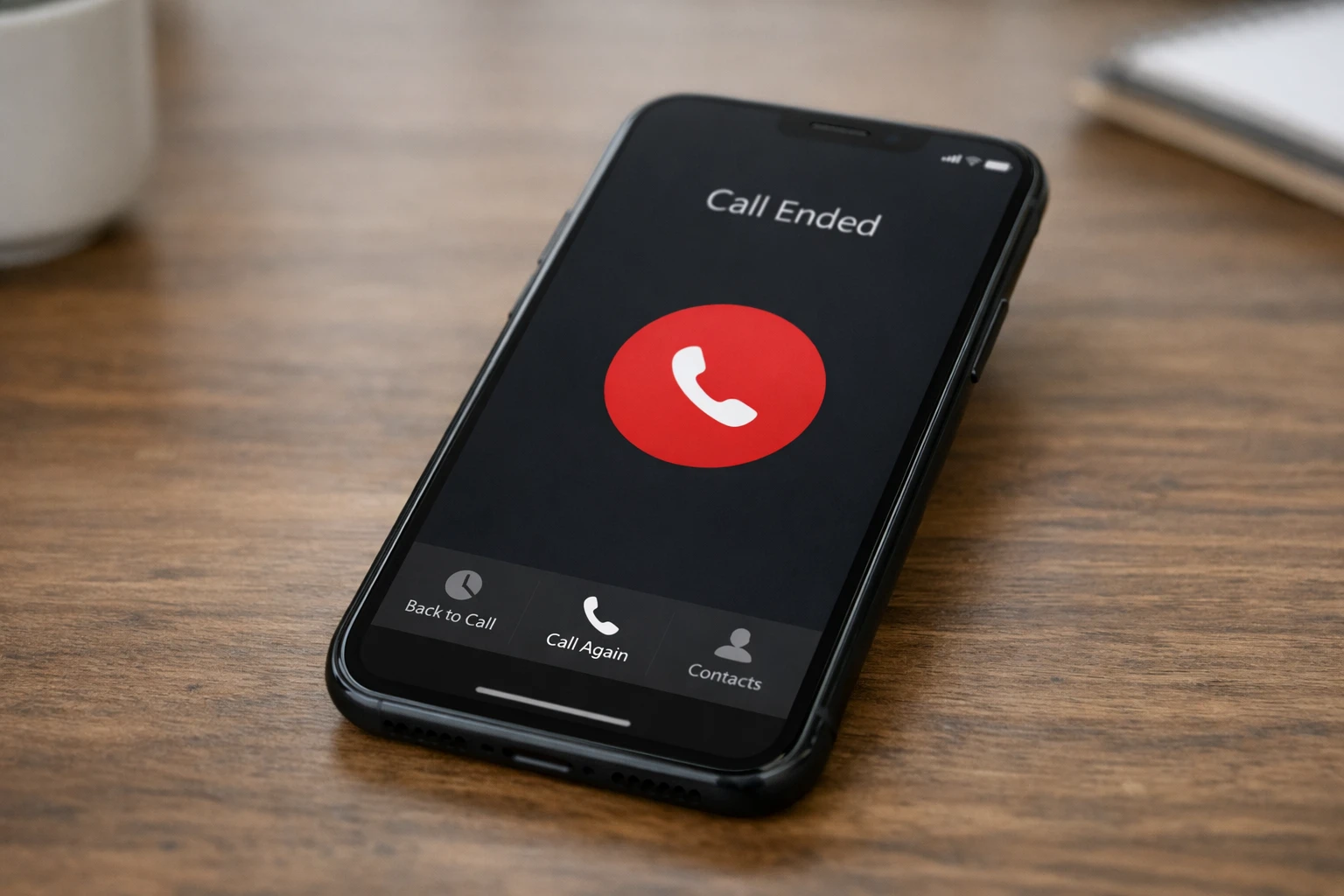
Phone hang up issue shown on a smartphone call ended screen

Why Does My Phone Hang Up by Itself

Phone hang up is a common issue where an ongoing call disconnects suddenly without the user pressing the end button. This problem is often assumed to be a random network failure, but frequent call disconnections usually point to specific technical causes related to signal handling, device configuration, or carrier-level communication issues. When this happens repeatedly, it reduces call reliability and makes even basic communication frustrating. A call depends on continuous coordination between the phone, the Read more

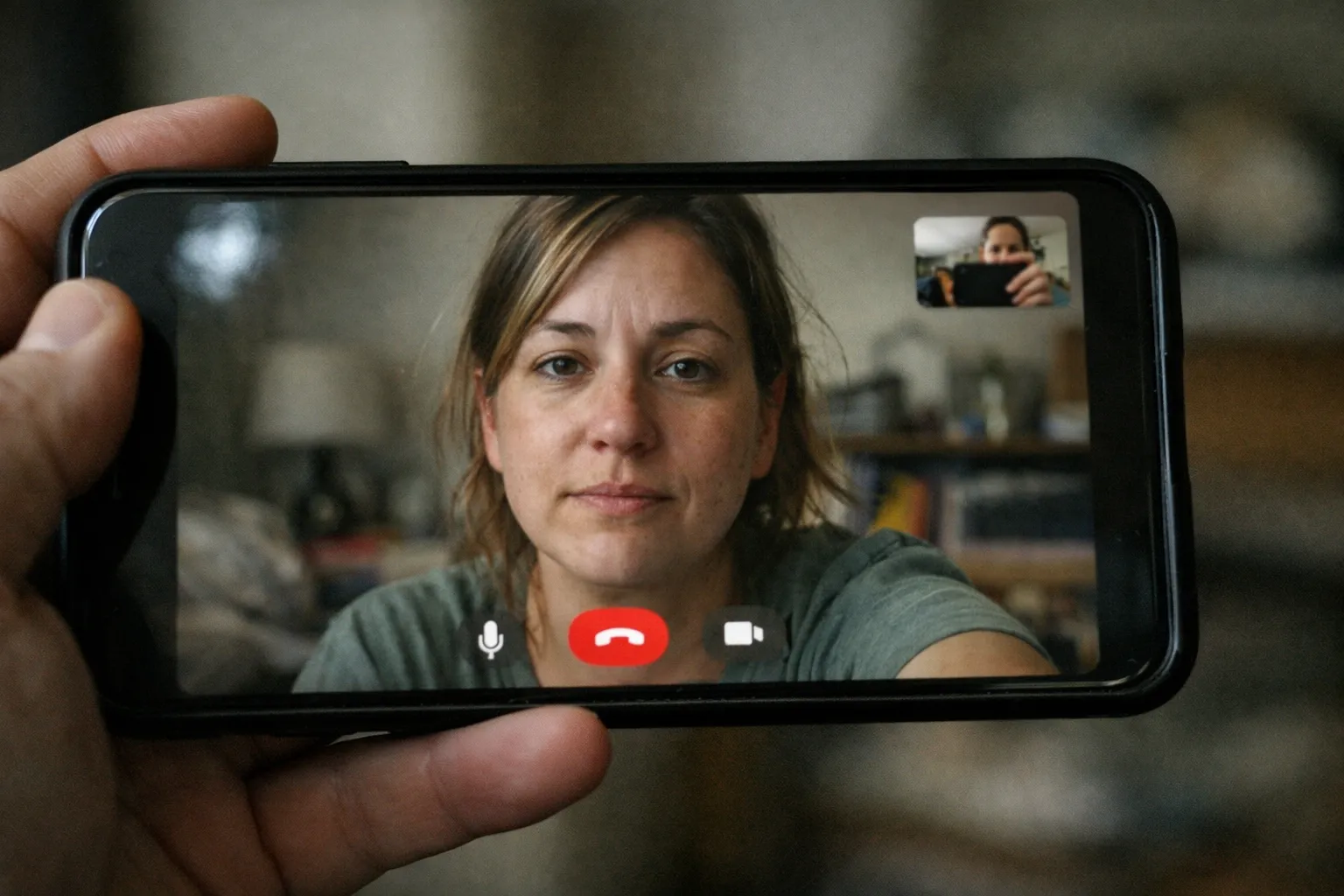
Phones get hot during video calls as a smartphone runs a long video call with continuous screen and camera usage

Why Phones Get Hot During Video Calls

Phones get hot during video calls when a session runs longer than a few minutes, and many users notice a clear rise in device temperature. This pattern often raises concern, especially when it happens repeatedly across different apps. The issue is not tied to a single brand or operating system.

Phones get hot during video call sessions because video communication places a continuous and combined load on processing, networking, and power systems. Unlike short, burst-based tasks, a video call keeps multiple components active without interruption, which naturally increases thermal output inside a compact device.

Why does this problem happens

The main reason phones get hot during video call usage is sustained processor and media workload. Video calling requires the device to capture live video through the camera, encode it in real time, transmit it over the network, and simultaneously decode incoming audio and video streams. This keeps the CPU, GPU, and dedicated media encoders active at elevated clock speeds for the duration of the call. Continuous high-frequency operation increases electrical resistance within silicon components, which is converted into heat.

Network behavior adds a second layer of thermal stress. Video calls depend on uninterrupted data flow. When signal quality fluctuates, the phone increases radio transmission power to maintain call stability. This effect is particularly noticeable on mobile data connections, where power amplification consumes more energy than stable Wi-Fi. As the radios remain active without idle cycles, internal temperature rises steadily.

Display and camera usage also contribute to heat buildup. During a video call, the screen remains on at a usable brightness level while the front camera sensor stays active. Both components draw continuous power and generate localized heat near the display assembly and camera module, which gradually spreads across the internal frame.

Battery characteristics amplify the effect. As batteries age, internal resistance increases. Under sustained load, more energy is dissipated as heat rather than delivered efficiently. This explains why phones get hot during video calls more quickly on older devices, even when the same apps previously ran cooler.

Reducing phone heating during video calls

Heat during video calls can be reduced only to a limited extent while the call is active. Since video calling keeps the processor, camera, display, and network radios running continuously, heat generation cannot be eliminated in real time.

However, maintaining a stable Wi-Fi connection prevents additional radio power spikes, and avoiding background activity ensures the processor is not handling extra load beyond the call itself. These adjustments do not stop heating, but they slow the rate at which temperature rises during the session.

For longer conversations, short pauses can be effective in managing temperature. Even brief breaks allow internal components to cool, reducing the likelihood of thermal throttling that lowers performance to protect hardware. These measures do not eliminate heat entirely, but they significantly slow temperature buildup when phones get hot during video call sessions.

When phones get hot during video calls, is replacement necessary?

Occasional warmth during video calls is normal, but excessive or rapid heating may indicate hardware wear. If the device becomes uncomfortably hot within minutes of starting a call, even under stable network conditions and minimal background activity, battery degradation is a likely contributing factor.

Replacement becomes worth considering when overheating is paired with rapid battery drain, unexpected call drops caused by thermal limits, or noticeable performance slowdowns during video communication. These symptoms indicate that internal resistance and thermal efficiency have degraded beyond what usage adjustments can correct.

A battery replacement can often restore normal thermal behavior if the device is otherwise functioning well. For older phones, where phones get hot during video call use across all apps and conditions, upgrading to a newer model with improved thermal design may be a more practical long-term solution.

FAQ

Is it normal for phones to warm up during video calls?
Yes, moderate warmth is expected due to continuous processing and network activity.

Does call quality affect heating?
Higher resolution and frame rates increase processing load and heat output.

Can frequent overheating cause damage?
Repeated high temperatures accelerate battery and component aging through cumulative thermal stress.

Conclusion

Heating during video calls is a normal outcome of continuous device operation rather than a sign of damage. Video communication keeps multiple components active at the same time, and a mild temperature increase is expected under sustained use. In most cases, this heat remains within safe limits and does not harm the phone.

Simple usage adjustments can slow heat buildup, but occasional warmth during video calls is part of normal behavior. Understanding why phones get hot during video call usage helps avoid unnecessary concern and keeps expectations realistic.


(more…)

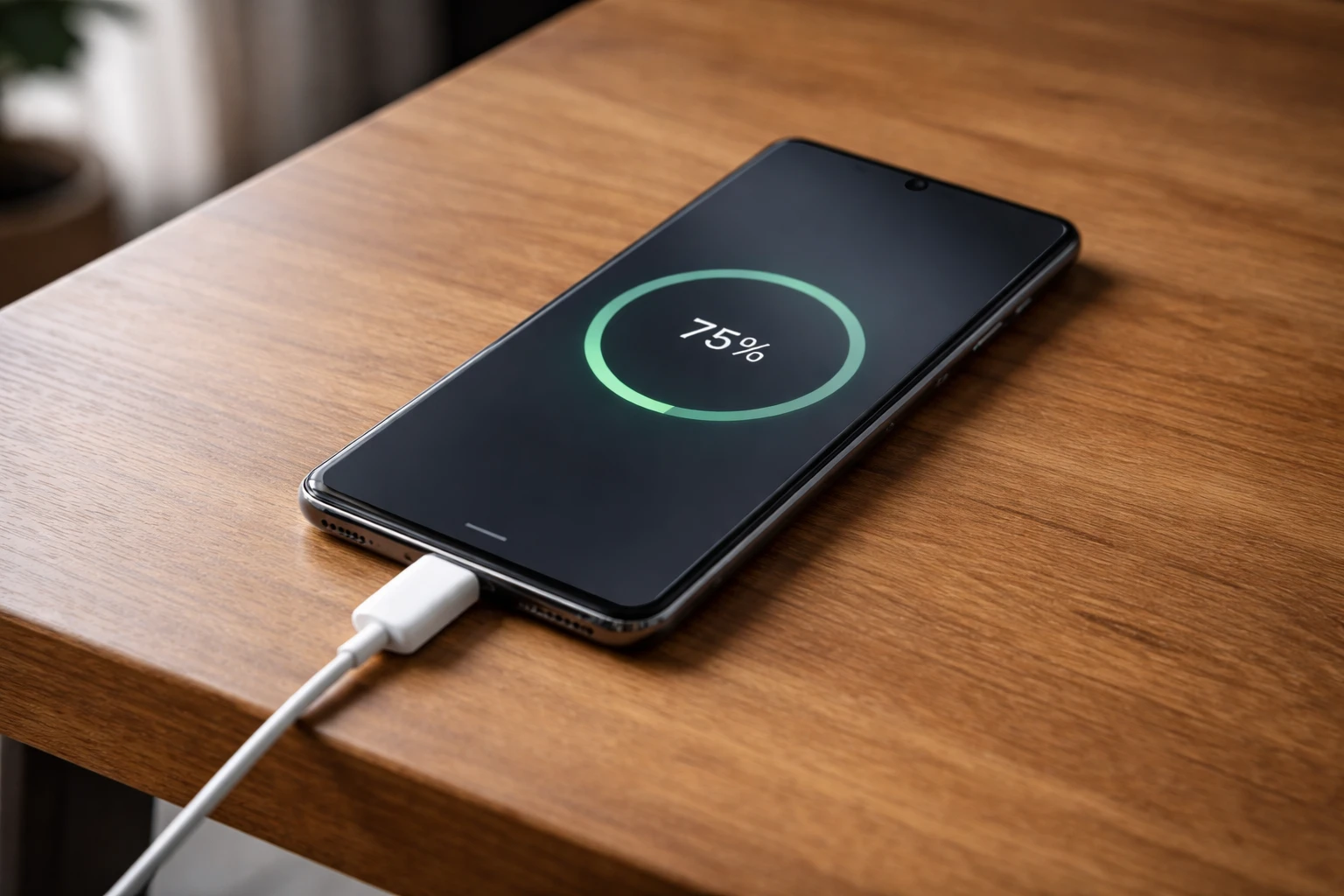
Smartphone charging on a desk while phones charge slowly even with a fast charger

Why Phones Charge Slowly Despite Fast Chargers

Fast chargers are marketed to deliver quick top-ups and shorter charging times; yet, many users notice that their phones charge slowly, despite using a high-watt adapter. This mismatch between expectation and reality is usually not a defect in the charger itself. Charging speed is controlled by a chain of hardware and software decisions inside the phone, and the adapter is only one part of that system. If any link in that chain limits power flow, Read more