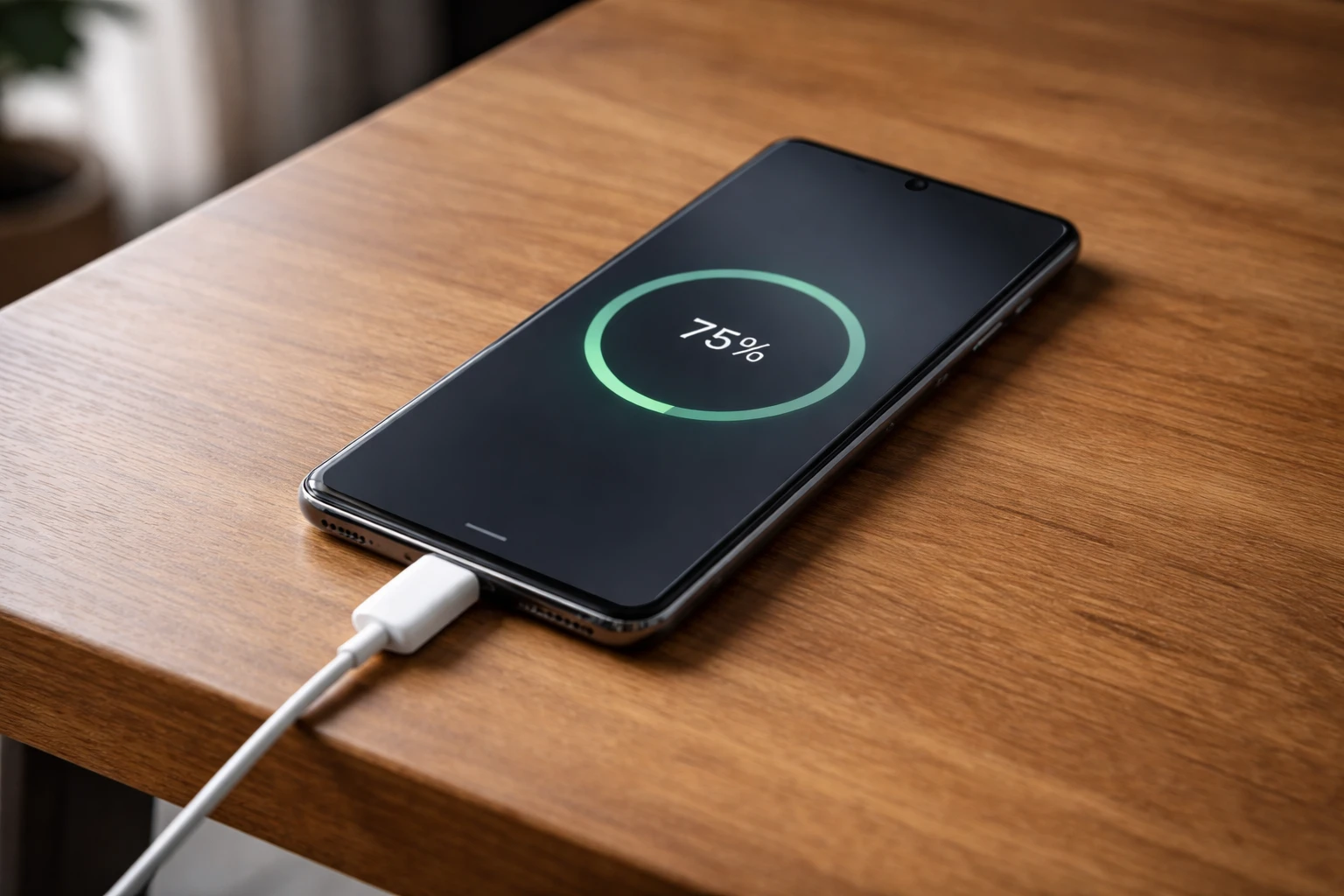
Fast chargers are marketed to deliver quick top-ups and shorter charging times; yet, many users notice that their phones charge slowly, despite using a high-watt adapter. This mismatch between expectation and reality is usually not a defect in the charger itself. Charging speed is controlled by a chain of hardware and software decisions inside the phone, and the adapter is only one part of that system. If any link in that chain limits power flow, charging speed drops, even when a fast charger is connected.
Why does this problem happen?
The main reason fast chargers do not always deliver fast charging is power negotiation. Modern smartphones do not accept raw power directly from the charger. When a cable is connected, the phone and charger first communicate to agree on a safe voltage and current level. If the phone does not recognize the charger, cable, or charging protocol, it falls back to a slower default charging mode.
Charging protocols vary between manufacturers. A charger may support high wattage, but if it does not match the phone’s supported standards, the device deliberately limits power intake to protect internal components. This limitation occurs even when the charger is technically capable of delivering higher output.
Battery temperature directly affects charging speed. Lithium-ion batteries charge most efficiently only within a narrow temperature range. If the battery is too warm or too cold, the charging controller automatically reduces current. Heat buildup from background activity, ambient conditions, or charging while using the device forces the system to slow charging to prevent battery stress.
Cable quality is another overlooked factor. Fast charging requires cables that can handle higher current with minimal resistance. Worn, thin, or low-quality cables cause voltage drops, which the phone interprets as unstable power delivery. To compensate, the charging controller reduces charging speed.
Battery health plays a long-term role as well. As batteries age, internal resistance increases. Higher resistance generates more heat during charging, triggering thermal throttling earlier in the charging cycle. As a result, older phones charge slowly even with the same fast charger that once worked efficiently.
How to reduce or fix this problem?
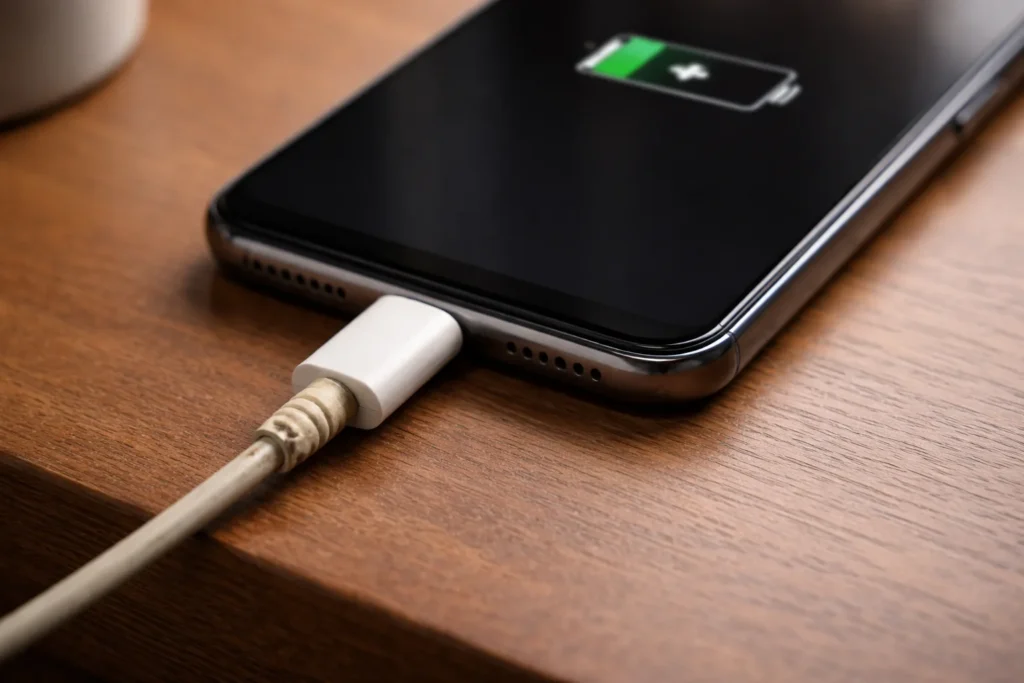
Improving charging speed starts with reducing power limitations rather than forcing higher wattage. Using a charger and cable that are fully compatible with the phone’s supported charging standard ensures proper power negotiation. Even inexpensive certified cables can significantly improve charging stability compared to generic ones.
Charging conditions matter. Placing the phone on a hard surface in a cool environment helps maintain optimal battery temperature. Removing thick cases during charging allows heat to dissipate more effectively, preventing thermal throttling. Avoiding heavy usage while charging reduces processor heat, allowing the charging controller to sustain higher current for longer periods.
Keeping the charging port clean is a simple but effective fix. Dust or debris increases resistance at the connector, reducing charging efficiency. Gentle cleaning restores proper contact and improves power flow.
Software behavior should not be ignored. Keeping the operating system updated ensures the latest charging algorithms are in place. Some updates adjust charging curves to balance speed and battery longevity more effectively. Background apps that generate heat or network activity should be limited during charging to prevent unnecessary power reduction.
When replacement is needed
If charging remains consistently slow despite using compatible chargers, clean cables, and controlled conditions, hardware aging may be the limiting factor. A degraded battery that heats up quickly during charging forces the system to throttle power almost immediately. In such cases, charging speed cannot be restored through settings or accessories.
Replacement becomes worth considering when slow charging is combined with rapid battery drain, unstable battery percentage readings, or excessive warmth even during light usage. These signs suggest that the battery’s internal chemistry has degraded beyond efficient operation. Replacing the battery restores normal charging behavior more reliably than upgrading chargers.
A charger replacement may also be reasonable if the adapter becomes unusually hot or delivers inconsistent charging performance. Power adapters degrade, and internal components can lose efficiency even without visible damage.
FAQ
Does higher wattage always mean faster charging?
No. Charging speed depends on protocol compatibility and battery conditions, not wattage alone.
Why does fast charging slow down near full charge?
Charging intentionally slows to protect battery health as the charge level approaches full capacity.
Can slow charging damage the phone?
No. Slow charging is not harmful and is often a protective response by the device.
Conclusion
Phones charge slowly despite using a fast charger is usually the result of controlled power limitation rather than faulty hardware. Charging protocols, battery temperature, cable resistance, and battery health all influence how much power a phone accepts at any given moment. While simple adjustments can often restore expected charging speeds, long-term battery degradation eventually becomes the dominant factor. Understanding these constraints helps set realistic expectations and determine when hardware replacement is the most effective solution.