
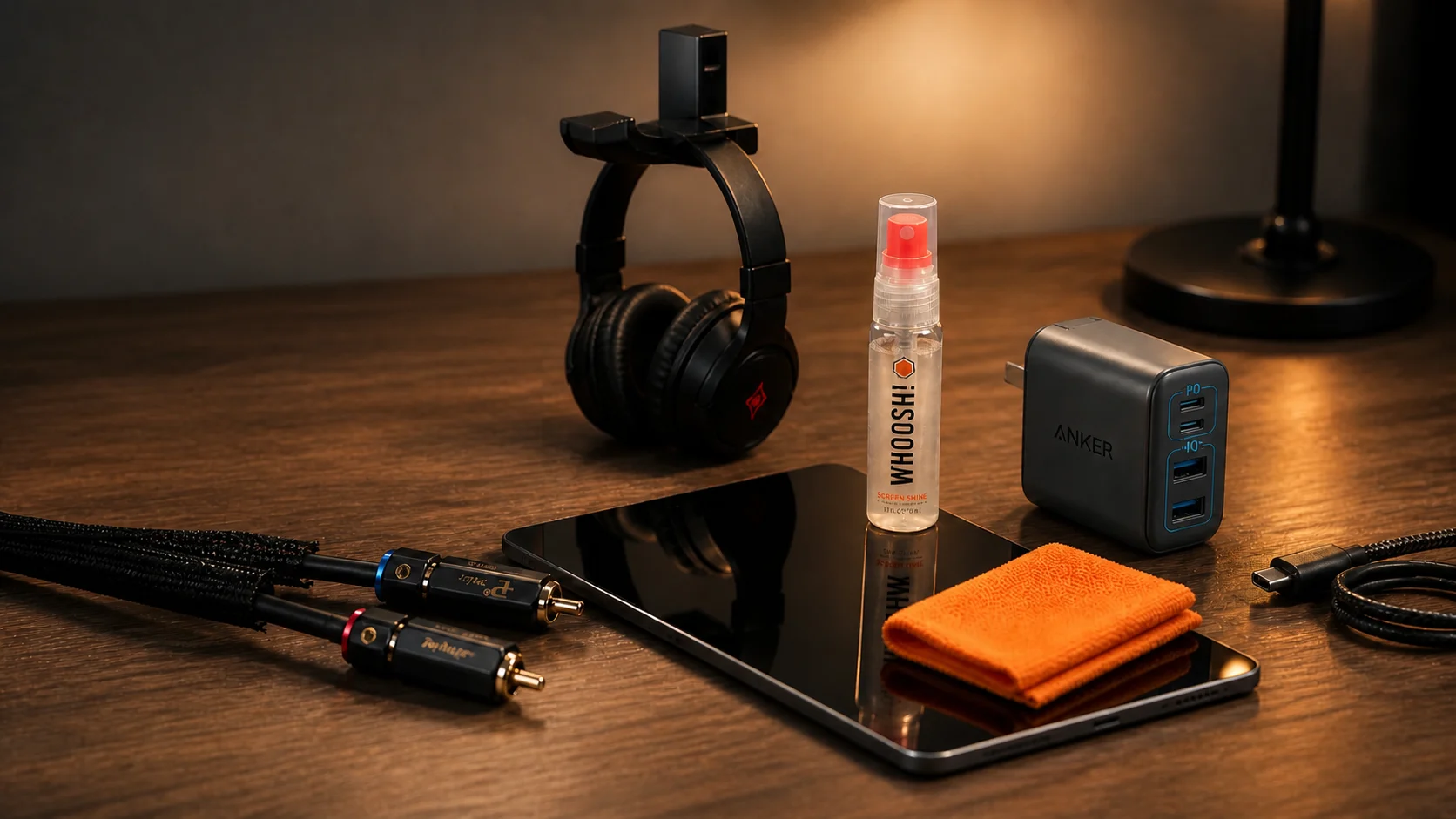
Most people think a premium desk setup requires thousands of dollars, but the truth is that the best desk setup gadgets under $30 can completely transform your workflow. You don’t need a designer budget to build an efficient workspace; it’s about choosing tools that actually solve problems. These five affordable essentials combine a clean look with genuine utility to help you stay focused and organized.
Table of Contents
1. Anker Zolo USB-C Charging Block
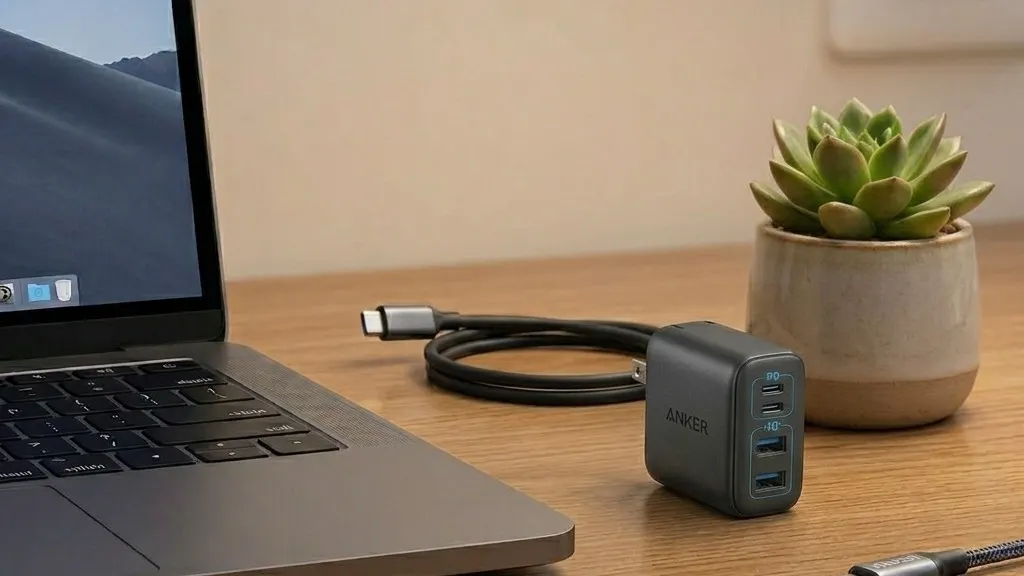
Standard chargers are unnecessarily large and usually hog two outlets at once. The Anker Zolo USB-C Charging fixes this by shrinking 50W of power into a block roughly the size of an AirPods case. It’s easily one of the best desk setup gadgets under $30 simply because it clears up physical space while letting you charge four different devices from a single wall outlet.
It’s powerful enough to fast-charge a MacBook at 30W while still giving your phone a full 20W boost at the same time. Unlike the cheap blocks that overheat, this uses GaN technology and ActiveShield 4.0 to keep temperatures low during 24-hour use. If your power strip is currently a mess of oversized bricks, swapping them for these foldable chargers is the easiest way to clean up your desk.
Key Specs:
- Price: ~$29.99 (For 2-Pack)
- Output: 50W Max (30W + 20W dual-port charging)
- Ports: 4-in-1 design (2 USB-C and 2 USB-A)
- Tech: Upgraded GaN architecture with ActiveShield 4.0
- Portability: Built-in foldable plugs and compact design
Pros
Charges 4 devices simultaneously from one plug. Stays cool even when fast-charging a laptop. Foldable pins won’t scratch your gear in a bag.
Cons
Charging speed splits if all 4 ports are used at once. A bit wider than a standard single-port iPhone brick. USB-A ports are better for accessories than phones.
2. WHOOSH! Screen Shine Kit
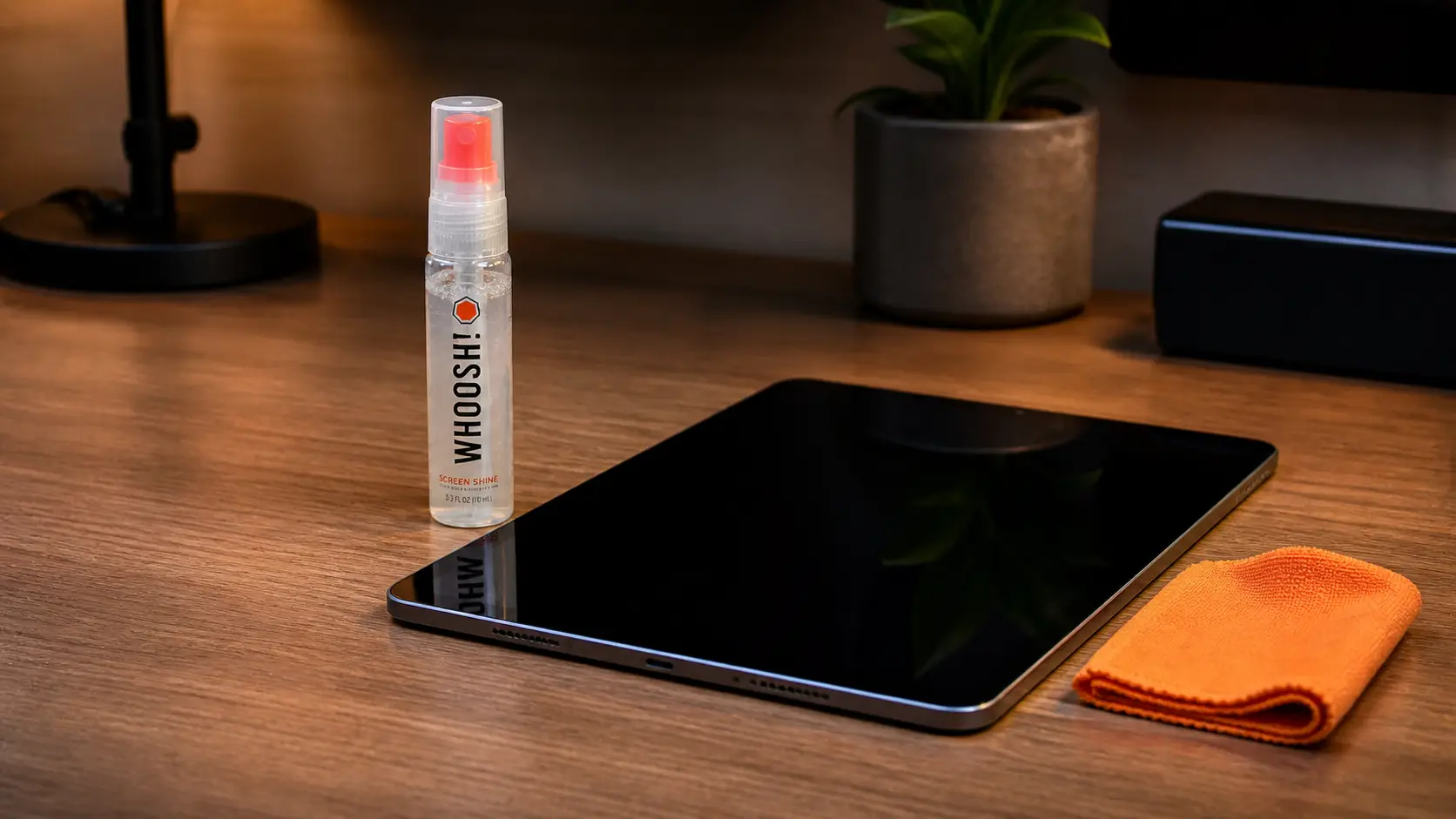
Fingerprints and oily smudges are unavoidable, but most cleaners leave a streak or a weird chemical residue. WHOOSH! is the industry standard for a reason—it’s the exact product Apple uses to keep their floor models looking brand new. If you’re hunting for the best desk setup gadgets under $30, this kit is the most effective way to maintain that “out of the box” look on your monitors and phone.
The formula is completely non-toxic and odorless. You aren’t just wiping away dirt; it leaves a thin, nano-thin coating that actually resists fingerprints for a few days. It turns a frustrating chore into a ten-second fix that keeps your workspace looking sharp.
Key Specs:
- Price: ~$8.99 (pack of 1)
- Formula: Non-toxic, Alcohol-free, and Ammonia-free
- Application: Spray-to-cloth (includes premium microfiber “W! cloth”)
- Safety: Safe for all tech screens (LED, LCD, OLED, Glass)
- Bonus: Anti-static finish to repel dust
Pros
Leaves a “slick” finish that resists new prints
Actually safe for expensive MacBook coatings. Odorless.
Cons
More expensive than other spray bottles. The small “Go” bottle runs out quickly.
3. Lamicall Rotating Headphone Hook
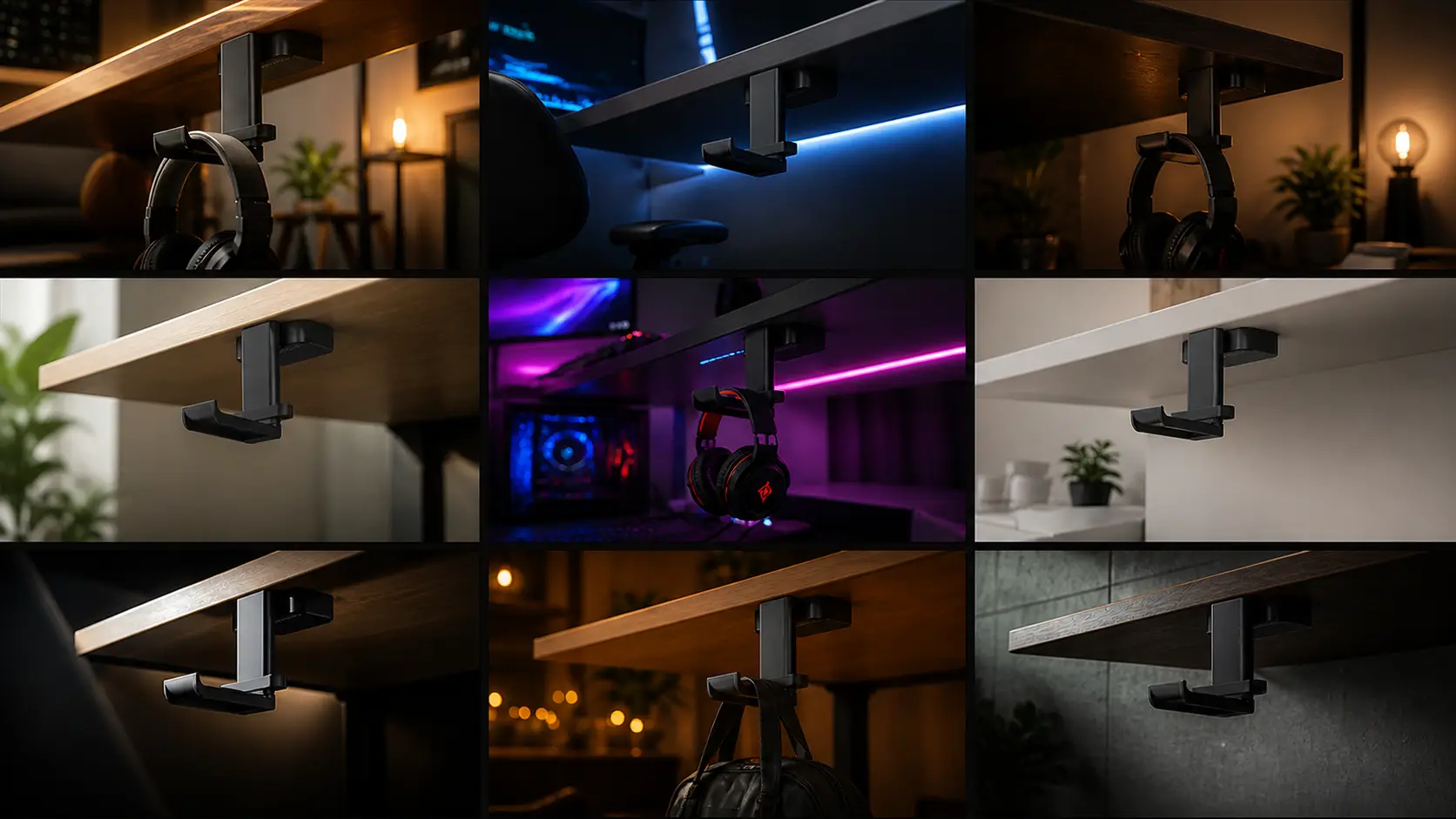
Headphones are a huge space-killer when they’re just tossed on a desk. This Lamicall headphone hanger is a smart fix because the arm rotates a full 360 degrees, letting you swing your headset under the table to hide it or keep it on the side for quick access. It’s not just for under the desk, either—you can stick it to the side of a cabinet or any smooth surface where you have a bit of “dead space.
The build is designed to actually protect your gear. It features a high-quality silicone pad on the hook so the leather on your headphone’s headband doesn’t get scratched or dented. It also comes with a detachable silicone cable organizer, which is a massive help for keeping your charging wire from dangling on the floor.
Key Specs:
- Price: ~$12.99
- Movement: Dual 360-degree rotating arm
- Protection: Silicone pads for the head beam
- Mounting: Strong double-sided adhesive tape
- Weight Limit: Maximum load of 500g
- Extra: Detachable silicone cable manager included
Pros
Swivels to different positions based on your setup. Silicone padding prevents scratches on your headset. Can be mounted vertically or horizontally.
Cons
500g limit means it’s not for heavy pro-audio gear. Must wait 24 hours for the glue to bond. Adhesive doesn’t stick well to oily or rough wood.
4. Alex Tech Self-Closing Cable Sleeve
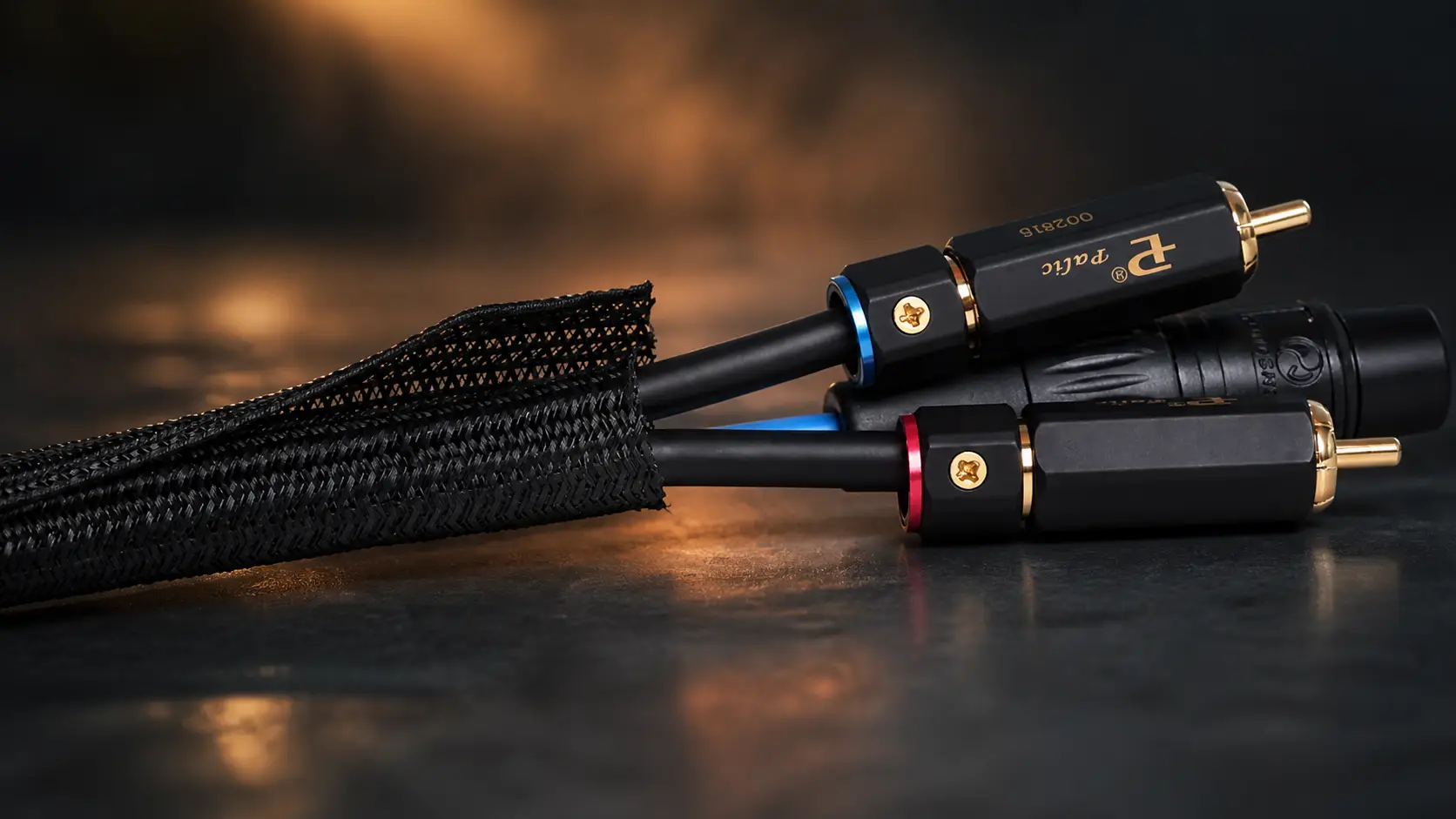
Bundling 5+ messy wires into one clean tube is the fastest way to make a cheap setup look high-end. Alex Tech sleeves are “self-closing,” meaning you don’t need tools to wrap your cables. You just pry the split open and tuck the wires in while they’re still plugged in. It’s the easiest way to hide a hanging mess behind a monitor without spending more than ten bucks.
The mesh is a thick, insulated weave that actually stops cats from chewing through your power cords. It’s a 10-foot roll, so you just cut what you need with scissors. Just make sure to hit the edges with a lighter for a second so they don’t fray. It’s UL-rated and won’t melt behind a hot PC, making it a “set it and forget it” fix for a cluttered desk.
Key Specs:
- Price: ~$8.99 (for 10ft roll black)
- Material: Durable Polyethylene
- Operating Temp: -103°F to 257°F
- Design: Lateral split with 25% overlap for self-wrapping
- Customization: Can be cut to specific lengths with a hot knife or scissors
Pros
No need to disconnect cables to install. Stops pets from destroying wires. Cuts to any size easily.
Cons
Frays easily the edges. Hard to fit more than 5 thick cables. Collects dust over time.
5. ODISTAR Desktop Vacuum Cleaner
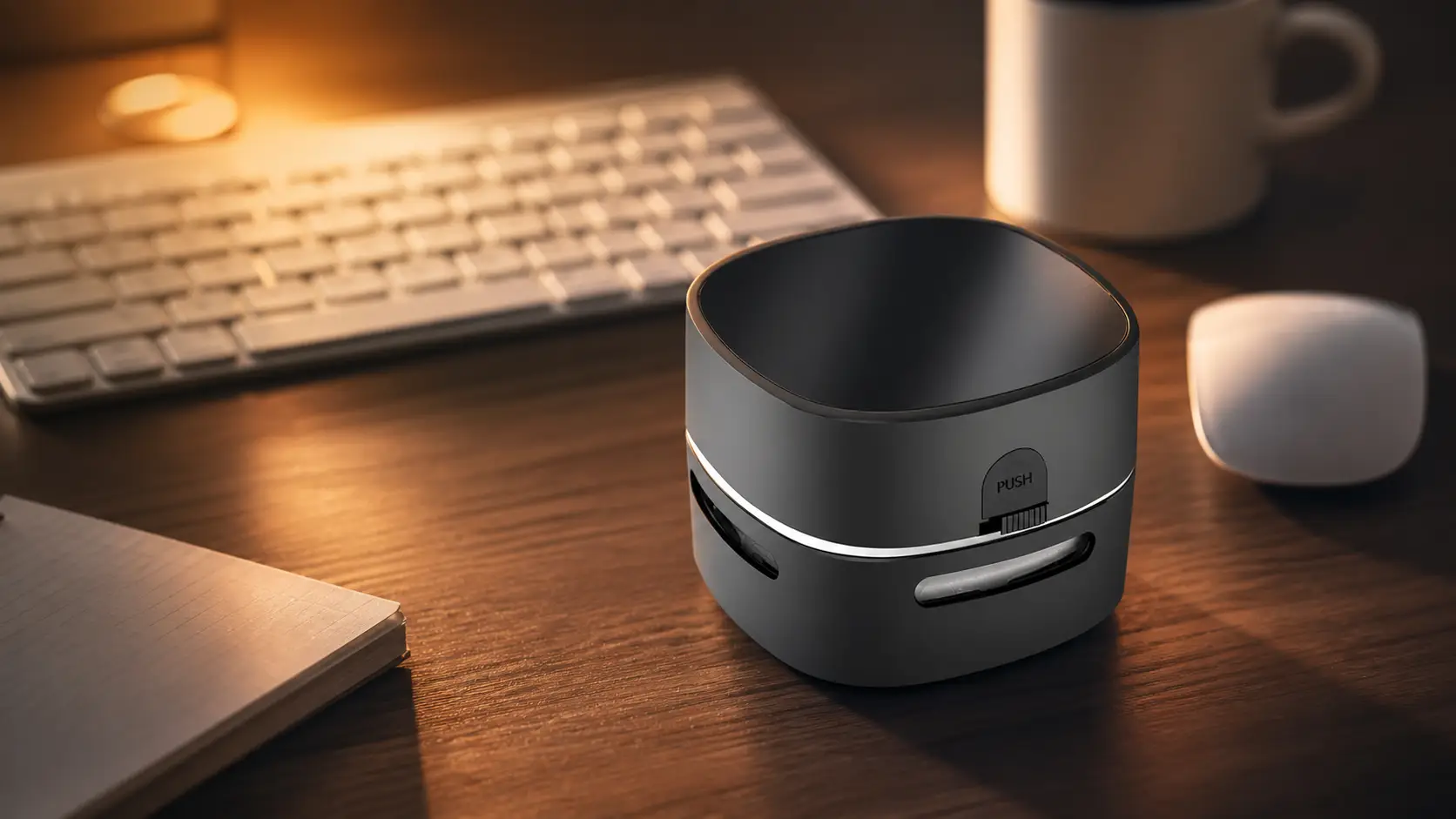
Dust, crumbs, and eraser shavings always find a way onto a desk, and wiping them onto the floor isn’t exactly a solution. This ODISTAR mini vacuum is one of the best desk setup gadgets under $30 because it’s a dedicated tool for that exact mess. It’s small enough to stay within reach but powerful enough to pull debris out of a keyboard or a fabric mousepad.
The nylon brushes on the bottom sweep the surface while the internal fan sucks everything into a small compartment. Since it’s cordless, there’s no cable to tangle with—you just grab it, click the button, and clear your workspace in about ten seconds.
Key Specs:
- Price: ~$12.99 (for 10ft roll)
- Suction: 360° rising wind (centrifugal fan)
- Power: Cordless (Battery or USB options available)
- Design: Palm-sized with high-toughness nylon brushes
- Maintenance: Twist-off bottom for quick emptying
Pros
Strong suction for dust and small crumbs. Saves your keyboard from getting gritty. Low noise—won’t distract during a call.
Cons
Internal bin is small; needs frequent emptying. AA batteries eventually need replacing.
Deciding where to start your setup
Picking the first thing to buy usually comes down to which mess is currently driving you crazy. If your desk feels cramped, the Lamicall hook is the smartest move because it immediately clears physical space. But if your workspace is already functional and just looks like a disaster, the Alex Tech sleeves or the Anker block are better starting points. Cables and oversized power bricks are the two biggest reasons a desk looks cluttered, so hiding the wires or shrinking your charger does the most heavy lifting for the “aesthetic” of the room. It’s better to fix the eyesores first before worrying about things like screen smudges or dust.
Also read: Stop Typing, Start Flowing: Why Your Ideas Need Wispr Flow
The Bottom Line
The truth is, a clean desk isn’t about buying expensive gear—it’s about getting the small details right. These are the best desk setup gadgets under $30 because they prove you don’t need to drop hundreds of dollars to make your workspace look professional. If you stop letting messy cables and bulky chargers dictate how your desk looks, you’ve already won half the battle. Focus on the eyesores first, and the rest of the setup will fall into place.